
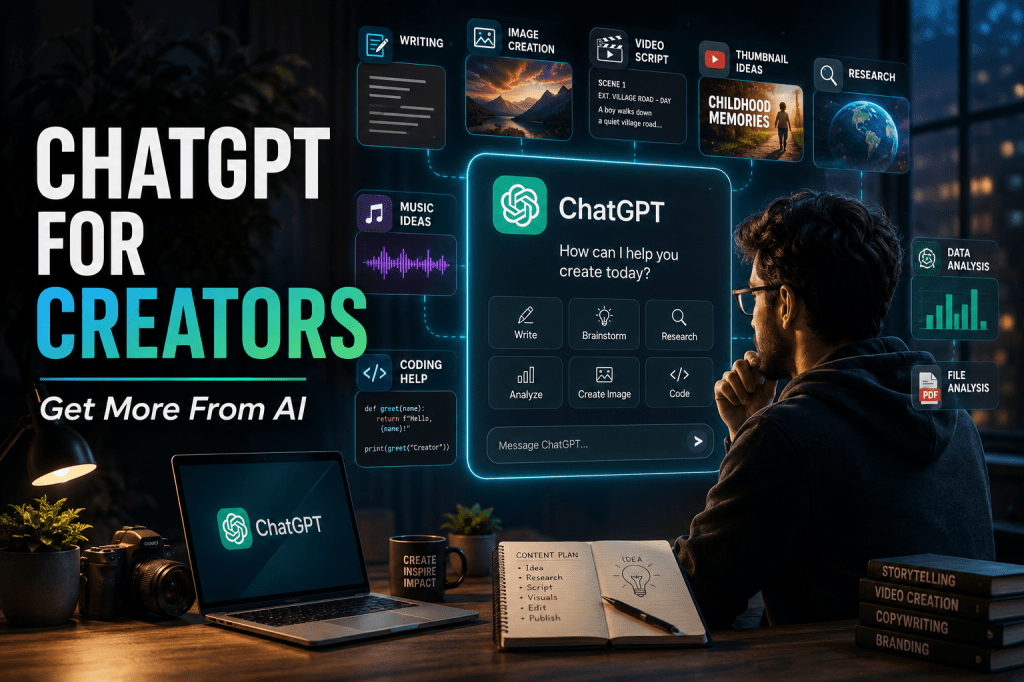
ChatGPT for Creators: A Practical Guide to Getting More From AI
Artificial intelligence is changing the way people create.
For creators, ChatGPT can be much more than a chatbot. It can help turn an idea into a story, develop a video script, improve a prompt, analyse information, work with files, create images, brainstorm content and support an entire creative workflow.
But there is an important difference between using ChatGPT and using ChatGPT well.
The better you communicate your goal, context and expectations, the more useful the result can become.
This guide explains practical ways creators can get more from ChatGPT.
🤖 What Can ChatGPT Do for Creators?
ChatGPT can support many stages of the creative process.
Depending on the features and access available to you, you can use it for:
- Content ideas
- Story development
- Blog articles
- Video scripts
- YouTube titles and descriptions
- Prompt creation
- Image creation
- Image analysis
- File analysis
- Research assistance
- Brainstorming
- Voice conversations
- Data analysis
- Project organisation
- Custom GPTs
- Coding and technical work
OpenAI continues to expand ChatGPT’s capabilities, and its release notes are updated regularly as new features and improvements arrive.
The important idea is simple:
ChatGPT isn’t just a place to ask questions. It can become part of your creative workflow.
1. Start With an Idea
You don’t need a perfect idea before opening ChatGPT.
You can start with something very simple.
For example:
I want to create a YouTube Short about a childhood memory from Kerala. Help me develop the story.
From that starting point, you can ask ChatGPT to develop:
- The story concept
- The opening
- The characters
- The conflict
- The emotional moment
- The ending
- Scene ideas
- Voice-over narration
- Title ideas
Your first prompt doesn’t have to be perfect.
Start the conversation and refine the idea.
2. Give ChatGPT Context
One of the easiest ways to improve an AI response is to provide useful context.
Instead of:
Write a YouTube script.
Try:
Create a 60-second Hindi YouTube Short about a childhood memory from 1980s Kerala. The audience is Indian adults who enjoy nostalgic stories. Make it emotional and curious, with a strong opening and a memorable ending.
Now ChatGPT knows:
What → Where → When → Audience → Format → Style
That makes the request much clearer.
3. Tell It Who Your Audience Is
Content should change according to the audience.
For example:
My audience consists of beginner creators who are interested in AI but don’t have technical knowledge.
That immediately tells ChatGPT to avoid unnecessary technical language.
You can also specify:
- Age group
- Country
- Language
- Experience level
- Platform
- Content format
- Tone
- Purpose
The more relevant context you provide, the more targeted your result can become.
4. Use ChatGPT as a Prompt Partner
Prompt engineering doesn’t have to mean writing enormous commands.
You can simply ask ChatGPT to improve your prompt.
For example:
Improve this image prompt while keeping my original idea. Make it cinematic, realistic and visually detailed. Don’t change the main subject.
You can then refine the improved prompt again.
This is particularly useful for AI image creation, where details such as lighting, composition, environment, camera perspective and mood can influence the result.
5. Create and Work With Images
ChatGPT can also be part of a visual-creation workflow.
Depending on current feature availability, creators can use ChatGPT for image-related tasks such as:
- Creating images
- Editing images
- Analysing images
- Developing image prompts
- Improving visual concepts
- Planning thumbnails
- Exploring different visual styles
OpenAI continues to develop ChatGPT’s image capabilities, so exact functionality can change over time.
For creators, this means one conversation can sometimes move from:
Idea → Prompt → Image → Revision
without changing tools.
6. Turn One Idea Into Multiple Pieces of Content
This is one of the most useful creator workflows.
Suppose you’ve written one article.
You can ask ChatGPT to transform the same core idea into:
Article → YouTube script → Short-form script → Caption → Thumbnail concept → Title → Description
The objective isn’t to publish the exact same text everywhere.
Instead, adapt the same idea to the language and format of each platform.
One strong idea can therefore become an entire content package.
7. Work With Your Own Files
When supported, ChatGPT can work with uploaded files.
For example, you might provide a document and ask:
Analyse this article and identify the five most important points.
Or:
Review this document and suggest improvements without changing its meaning.
This can be useful for:
- Articles
- Scripts
- Research documents
- PDFs
- Spreadsheets
- Notes
- Content plans
The available file capabilities can vary, so check the current ChatGPT experience when you need a specific function.
8. Use Voice for Brainstorming
Sometimes an idea comes faster than you can type it.
Voice interaction can make brainstorming more natural.
You might simply explain:
I have an idea for a video about an old Kerala village memory…
and continue talking.
You can then ask ChatGPT to turn the conversation into:
- A story
- A script
- A content outline
- A list of scenes
- A finished article
Voice can be particularly useful when you want to capture an idea before you forget it.
9. Use Projects for Long-Term Work
If you are working on something continuously, repeatedly explaining the same background can become inconvenient.
ChatGPT Projects are designed to keep related chats, files and instructions together for ongoing work.
For example, a creator could maintain a dedicated project for:
YouTube Content
or
Blog Development
or
AI Research
This creates a more organised environment for long-term work.
OpenAI continues to update Projects and project-related capabilities, so the exact options should be checked in the current ChatGPT experience.
10. Ask ChatGPT to Criticise Your Work
Don’t use AI only to create.
Use it to challenge your work.
For example:
Review this article as a critical editor. Identify repetition, weak sections, unsupported claims and places where readers may lose interest.
Or:
Review this YouTube script for audience retention. Tell me where the opening could be stronger.
This is much more useful than simply asking:
Is this good?
Ask for specific weaknesses and specific improvements.
11. Don’t Believe Everything Automatically
This is one of the most important rules of using AI.
ChatGPT can make mistakes.
An answer can sound confident and still be wrong.
Always verify information when accuracy matters, especially for:
- Current product features
- Prices
- Plans
- Statistics
- Recent events
- Laws
- Financial information
- Medical information
- Technical specifications
For current OpenAI information, use OpenAI’s official website and release notes.
OpenAI’s release-notes page is actively updated as ChatGPT changes.
AI can accelerate research. It does not remove the need for verification.
12. Improve the Answer Instead of Starting Again
If the first answer isn’t right, tell ChatGPT what needs changing.
For example:
This is too long. Keep the same idea but reduce it to 500 words.
Or:
The tone is too formal. Make it warmer and more conversational.
Or:
The opening is weak. Create three stronger openings without changing the ending.
This creates an iterative workflow.
Good results often come from several small improvements rather than one giant prompt.
13. You Don’t Need Huge Prompts
A good prompt doesn’t have to be enormous.
A simple structure is:
Goal + Context + Audience + Requirements + Output format
For example:
Create a 60-second Hindi YouTube Short about a childhood memory from 1980s Kerala. The audience is Indian adults who enjoy nostalgic stories. Make it emotional and curious, with a strong opening and memorable ending. Give me the final voice-over script only.
That’s already a strong instruction.
14. Build a Repeatable Creator Workflow
Once you discover a workflow that works, repeat it.
For example:
Idea
↓
Research
↓
Outline
↓
Script
↓
Critique
↓
Rewrite
↓
Title
↓
Description
↓
Thumbnail concept
↓
Final review
ChatGPT can assist at several stages.
The goal isn’t to make AI do everything.
The goal is to let AI handle repetitive or difficult parts while you remain the creative decision-maker.
15. Use AI to Expand Your Creativity
One of the biggest advantages of working with ChatGPT is the ability to explore possibilities quickly.
You can ask:
Give me five completely different approaches to this idea.
Then:
Which one would create the strongest emotional impact?
Then:
Develop that idea into a complete concept.
This turns ChatGPT into a creative brainstorming partner rather than simply an answer machine.
Free or Paid ChatGPT?
ChatGPT has free access as well as paid plans. OpenAI’s current offerings and capabilities can change over time, so the best place to compare what’s currently available is the official pricing page.
You don’t necessarily need a paid plan to begin.
A sensible approach is:
Start with what you have.
Learn how to use ChatGPT effectively.
Upgrade only when the additional access or capabilities become genuinely useful to your work.
OpenAI has also expanded its lower-cost ChatGPT Go plan globally after first introducing it in India, alongside other subscription options.
The Biggest Mistake Creators Make
The biggest mistake isn’t writing a bad prompt.
It’s expecting AI to replace creative judgment.
ChatGPT can generate ideas.
It can write.
It can analyse.
It can brainstorm.
It can help you explore possibilities.
But you still decide:
What is worth creating?
What represents your voice?
What will your audience care about?
What should actually be published?
That’s where the human creator remains important.
A Simple ChatGPT Workflow for Beginners
If you’re new to ChatGPT, don’t try to learn everything at once.
Start with seven steps:
1. Bring an idea
Tell ChatGPT what you’re thinking about.
2. Add context
Explain your audience, platform and objective.
3. Ask for a first version
Give the AI something concrete to work with.
4. Critique it
Ask what could be improved.
5. Refine it
Tell ChatGPT exactly what you want changed.
6. Verify important information
Check facts that need to be accurate or current.
7. Make the final decision
You are the creator. AI is your assistant.
Final Takeaway
ChatGPT becomes much more powerful when you stop treating it as a simple question-and-answer tool and start treating it as a creative workspace.
Bring it your ideas.
Give it context.
Ask it to create.
Ask it to criticise.
Refine the result.
Verify important information.
Then make the final creative decision yourself.
You don’t need to master every ChatGPT capability on day one.
Start with one useful workflow.
Then build from there.
The goal isn’t to create more with AI. The goal is to create better with AI.
🔗 Official OpenAI Products & Resources
For the latest information, always use OpenAI’s official resources.
🤖 ChatGPT
AI assistant for writing, research, creativity, images and more.
💻 Codex
OpenAI’s AI coding agent.
🛠️ OpenAI API
Build applications with OpenAI models and tools.
👨💻 OpenAI Developer Platform
Official developer documentation, guides and resources.
💼 ChatGPT Business
ChatGPT for teams and organisations.
🏢 ChatGPT Enterprise
Advanced ChatGPT capabilities for organisations.
🎓 ChatGPT for Education
OpenAI’s solutions for educational institutions.
📰 OpenAI News
Official announcements, research and product developments.
📋 ChatGPT Release Notes
Follow the latest ChatGPT feature updates.
Keep This Article Updated
ChatGPT is evolving rapidly. OpenAI’s official release notes are regularly updated, so this article should be reviewed whenever there is a significant change to ChatGPT’s capabilities, plans or creator features.
Last updated: August 2026
Melody AI Hub focuses exclusively on artificial intelligence for creators.

 MELODY AI HUB
Leave a comment